When you click on links to various merchants on this site and make a purchase, this can result in this site earning a commission. Affiliate programs and affiliations include, but are not limited to, the eBay Partner Network.
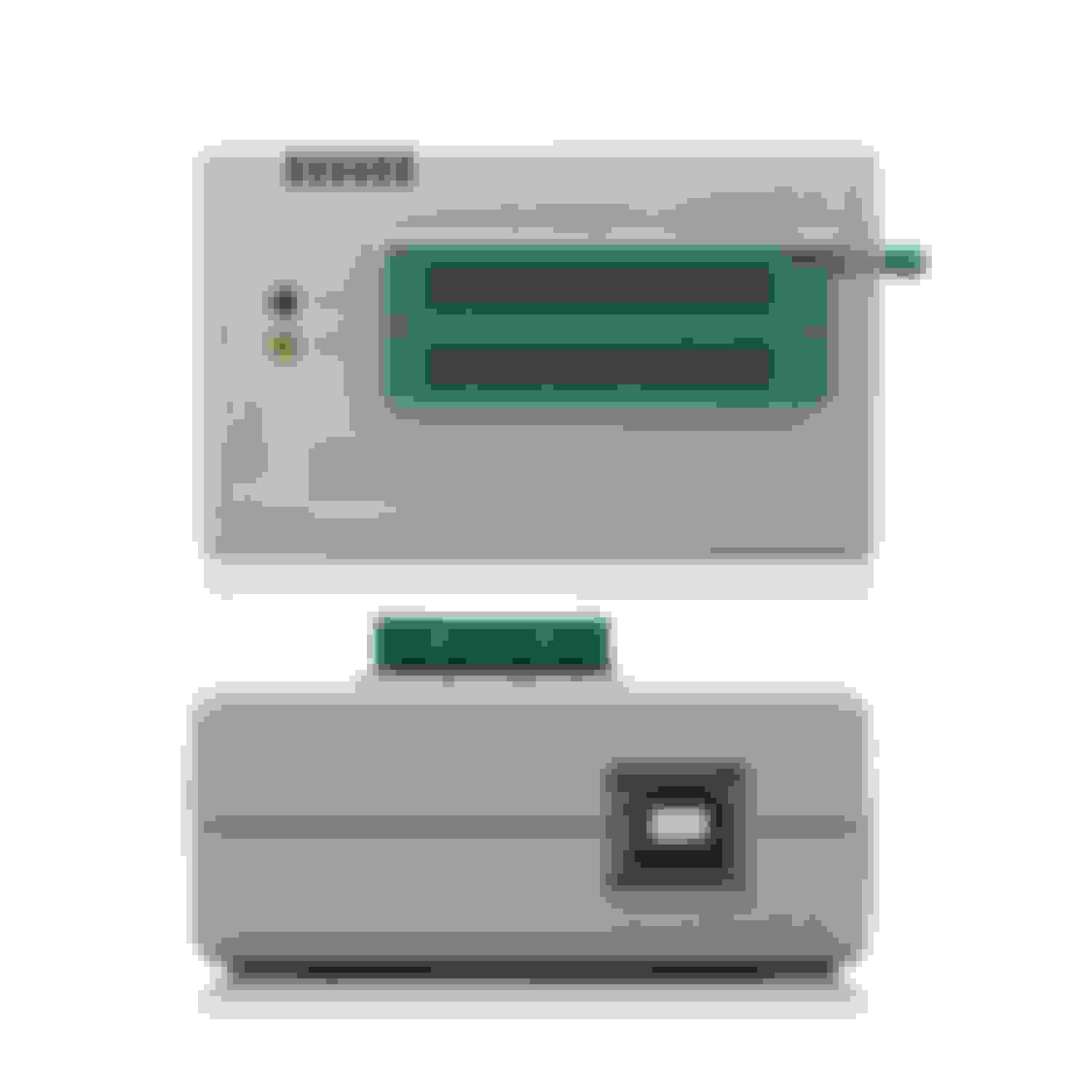
Signstek Universal USB MiniPro EEPROM FLASH BIOS Programmer AVR GAL PIC SPI Support 40 Pin with ICSP Interface - $59.99
It connects via USB to your computer. It comes with the software tu read/burn your own memories.
Next, I bought 5 memory chips. I chose to use EEPROM memories because this way you can burn, erase and rewrite multiple times.
The equivalent EEPROM for the Firebird was the Atmel AT29C256 either 70 or 90 PC or PI (Comercial or Industrial) 28 pins 256kb
You can get them from here (this is the seller I used), they go for around $3 each:
http://www.ebay.com/itm/1PCS-Flash-Memory-IC-ATMEL-DIP-28-AT29C256-90PI-/251003714663?pt=LH_DefaultDomain_0&hash=item3a70fcbc67
In order to be able to pull the chip from the adapter multiple times, I got a DIP socket from Radio Shack and soldered it to the adapter like this:
First removed the PROM:
Soldered the DIP socket:
Memory chip on top, it can be removed easily in order to reprogramm it
For the software, I used TunerPro RT:
I am a computer / electronics engineer and will be glad to answer any questions.
Looks pretty simple, how would this compare to the products that moates offers? Just curious as I am going to be at this point soon and would like to do as much work as I can myself.
Looks pretty simple, how would this compare to the products that moates offers? Just curious as I am going to be at this point soon and would like to do as much work as I can myself.
I do not know what products moates offers so I can't really comment. Maybe theirs are more user friendly or easier to use??
Using the Moates Burn2 or AutoProm with the Tuner Pro or Flash n' Burn software is ore user friendly than using generic programmers, because when the EEPROM is selected then the bin file it will automatically set the offsets for you. However, the Burn2 or AutoProm can only program a select few EEPROMs, which for most people is fine.
Using the Moates Burn2 or AutoProm with the Tuner Pro or Flash n' Burn software is ore user friendly than using generic programmers, because when the EEPROM is selected then the bin file it will automatically set the offsets for you. However, the Burn2 or AutoProm can only program a select few EEPROMs, which for most people is fine.
Editing the BIN and burning the BIN are two different things, and not sure how it works with the Moates kit, but in this case are separate things. You use TunerPRO to edit the BIN and the programmer to burn the BIN into the chip.
I did not have to do anything special to burn the EEPROM with this programmer. Only select the BIN file, select the type of chip, then burn. That's it.
The offsets may be required when reading the bin file with TunerPRO in order to change values, which is why you need the definition file (XDF file) in order to find the exact locations within the BIN. For burning a bin file, offsets don't really matter, it's just a bunch of bytes from the perspective of programming an EEPROM.
Thanks
Last edited by southbaysd; Mar 20, 2015 at 10:45 AM.
Yes, I'm well aware of the differences between editing a bin and programming it to an EEPROM.
I think you don't understand that within Tuner Pro there is a Moates Hardware interface specifically for programming EEPROMs using the Moates hardware. This interface is easy to use and makes programming EEPROMs easier than needing to use different programs, and like I said it will automatically set the offsets when a bin file is used that is smaller than the available space on the EEPROM.
Offsets very much do matter when programming an EEPROM. If the bin file is not programmed into the upper addresses of the EEPROM, the ECM will not read the bin file, and therefore will not run off the programmed bin, but default to LHM (Limp Home Mode).
One way to get around this is to stack the same bin until it will fill the EEPROM.
Another way to get around this is to use EEPROMs with a matching memory size to the bin file size, but this is not a common way to do things. Though I think this is why you did not have to assign any offsets when programming, since I believe you're using a 32 kB bin on a 256 kb EEPROM. However, if you used the more commonly used 27SF512 or other similarly sized EEPROM (512 kb), then you would have to offset the start address to 8000. http://support.moates.net/programmin...using-offsets/
Another way is to pad the upper addresses until the bin file gets to be the correct size for the EEPROM that the bin file will be programmed to.
This is not debatable, this is common knowledge in the GM DIY tuning community.
I would check to make sure that the EEPROM is programmed correctly. In your picture the EEPROM is installed differently than every other programmer on the market for programming those EEPROMs.
Yes, I'm well aware of the differences between editing a bin and programming it to an EEPROM.
I think you don't understand that within Tuner Pro there is a Moates Hardware interface specifically for programming EEPROMs using the Moates hardware. This interface is easy to use and makes programming EEPROMs easier than needing to use different programs, and like I said it will automatically set the offsets when a bin file is used that is smaller than the available space on the EEPROM.
Offsets very much do matter when programming an EEPROM. If the bin file is not programmed into the upper addresses of the EEPROM, the ECM will not read the bin file, and therefore will not run off the programmed bin, but default to LHM (Limp Home Mode).
One way to get around this is to stack the same bin until it will fill the EEPROM.
Another way to get around this is to use EEPROMs with a matching memory size to the bin file size, but this is not a common way to do things. Though I think this is why you did not have to assign any offsets when programming, since I believe you're using a 32 kB bin on a 256 kb EEPROM. However, if you used the more commonly used 27SF512 or other similarly sized EEPROM (512 kb), then you would have to offset the start address to 8000. http://support.moates.net/programmin...using-offsets/
Another way is to pad the upper addresses until the bin file gets to be the correct size for the EEPROM that the bin file will be programmed to.
This is not debatable, this is common knowledge in the GM DIY tuning community.
I would check to make sure that the EEPROM is programmed correctly. In your picture the EEPROM is installed differently than every other programmer on the market for programming those EEPROMs.
Thanks for the description. I see what you mean about the Moates kit, that you can write directly from Tuner RT so you only need one application and I see how that may be a lot easier for the non-technical people than having to use two different applications.
I guess my system is for the technically inclined then
Yes my BIN is 32kb and I used a 256k chip. If you want to use a 512k chip, this programmer software allows you to start the writing process on any given offset so that should not be a problem in this particular scenario, you only select the TO offset like shown in the picture.
I still don't see how having to assign this offset is easier than just purchasing the right chip to begin with but again you can select the offset with this programmer. Now, the offset is not automatically selected for you like you are describing the Moates kit does. However, if the major selling point of the Moates kit is that it sets up this OFFSET (not offsets in plural) for you so that you don't have to type it, I see how that may be easier for some people.
Please see the below screenshot of this software so that you can see a few of the options. I was actually surprised that this programmer came with such a nice piece of software, compared to others I have used in the past. That was another point of satisfaction from purchasing this programmer.
My EEPROM works fine, thanks I only used this to change the Fan temperature, and it's confirmed to kick on and off at the right temps. I did this process last year, I just thought I would share my experience with other people. If you notice, the programmer has an image of a chip right next to the ZIF socket and an arrow pointing to the direction where you should insert pin 1. Additionally the software that comes with the programmer allows you to confirm that the data written in the chip is the same as the BIN file, by doing a byte-to-byte comparison.
I apologize if this is hurting business of prospective or existing Moates resellers around here, my intention is not to take business from anybody and I have no relationship with any of the links I posted, I can remove the thread if this can help clear the tension. Again, I am not trying to move business into another direction and understand that everyone wants to make a buck.
Last edited by southbaysd; Mar 20, 2015 at 12:27 PM.
I use the same little programmer. works great for everything I've thrown at it so far. that includes chips for ecu's and some microcontroller programming as well.
I recently bought a Burn2 and used it w good success after switching to 29C256 EEs. However, in the last several weeks I ran into a problem where the Burn2 would read the prom correctly but I would come up against an I/O Error whenever attempting to erase or program the chip. To their credit, Moates sent me a brand new Burn2 which I immediately tried on both my old XP Acer notebook, and newer W7 Lenovo Laptop. Same issue.
The prom is an SST, Burn2 connects and sets proper offset in table but nada on the programming. Thoughts?
I recently bought a Burn2 and used it w good success after switching to 29C256 EEs. However, in the last several weeks I ran into a problem where the Burn2 would read the prom correctly but I would come up against an I/O Error whenever attempting to erase or program the chip. To their credit, Moates sent me a brand new Burn2 which I immediately tried on both my old XP Acer notebook, and newer W7 Lenovo Laptop. Same issue.
The prom is an SST, Burn2 connects and sets proper offset in table but nada on the programming. Thoughts?
Have you tried a different chip? That one may be damaged
When ever I see an issue like that it's almost always the EEPROm.
I don't know how you can check the pins of the EEPROM for continuity, because EEPROMs don't really work like that.
SS,
The EE had been soldered in place of a Eprom. So I made sure the solder joints worked properly to the pins. That's what I meant to say. Now that I have a new Burn2 and have tried it w 2 different laptops w 2 different OS, looks like the EE. I'm going to try and find another EE and see what happens.
Then if you actively tuning by chip swapping or using an emulator, put on the blue temp zif sockets with the handle on the side to tighten chip in socket(forget the name of the thing, but I'm sure someone will put a pick up).
That way you don't put undue stress on the actual zif socket on the memcal or board you are using and the temp one takes the abuse.
Once your done remove the quick zif and put your chip in the plain zif socket.
Also, I always keep multiples of chips and zif sockets(both styles) on hand, chips especially just go bad when they want to.
PS Saw no one mentioned the chip installer and removal tool, worth the couple extra dollars, saves on bent pins
PSPS I'm still alive Dominic, hows it going? :-)
Last edited by 3.8TransAM; Mar 25, 2015 at 05:11 PM.
The EE had been soldered in place of a Eprom. So I made sure the solder joints worked properly to the pins. That's what I meant to say. Now that I have a new Burn2 and have tried it w 2 different laptops w 2 different OS, looks like the EE. I'm going to try and find another EE and see what happens.
Ok, that makes sense now.
Like Six_Shooter already pointed out, there is no way to check the EEPROM pins for continuity, just in case someone is trying to do that.
Signstek Universal USB MiniPro EEPROM FLASH BIOS Programmer AVR GAL PIC SPI Support 40 Pin with ICSP Interface - $59.99
It connects via USB to your computer. It comes with the software tu read/burn your own memories.
Next, I bought 5 memory chips. I chose to use EEPROM memories because this way you can burn, erase and rewrite multiple times.
The equivalent EEPROM for the Firebird was the Atmel AT29C256 either 70 or 90 PC or PI (Comercial or Industrial) 28 pins 256kb
You can get them from here (this is the seller I used), they go for around $3 each:
http://www.ebay.com/itm/1PCS-Flash-Memory-IC-ATMEL-DIP-28-AT29C256-90PI-/251003714663?pt=LH_DefaultDomain_0&hash=item3a70fcbc67
In order to be able to pull the chip from the adapter multiple times, I got a DIP socket from Radio Shack and soldered it to the adapter like this:
First removed the PROM:
Soldered the DIP socket:
Memory chip on top, it can be removed easily in order to reprogramm it
For the software, I used TunerPro RT:
I am a computer / electronics engineer and will be glad to answer any questions.
Not sure I understand the question. What have you been trying to do?
The first step is to read your memory, have you been able to do that?
It's for the, ASUS ATX DDR3 2600 FM2 Motherboard CROSSBLADE Ranger. Yes I have been able to read the memory. Can you tell me step by step what I have to do. The computer doesn't post at all. It will turn on though. It shows a code 00 on the motherboard. Sorry for the late reply.
It's for the, ASUS ATX DDR3 2600 FM2 Motherboard CROSSBLADE Ranger. Yes I have been able to read the memory. Can you tell me step by step what I have to do. The computer doesn't post at all. It will turn on though. It shows a code 00 on the motherboard. Sorry for the late reply.
My friend, I think you are in the wrong forum. This is a car forum, more specifically about american cars, Camaros and Pontiacs