

How do you post pictures on these boards?

Supreme Member
You can use the attachment feature. When posting a reply there is a Browse button just above the submit post button. Click on browse and find the picture that you want to use. Then when you click the submit post button your pic will show up in the post.
You can only attach 1 picture per post.
IF you want to do more than 1 in a post then you must remote link the pics.
If you have a cardomain page then you can hot link the pics.
Click on the picture that you want, the right click on it and a box will pop up. Select properties and then copy the url/address in the new popup box.
Now in the thread you use the IMG tags, located just above the text box that you type in.
Paste that url in and the pic will show up. IE,
the address of the thirdgen.org pic is,
https://www.thirdgen.org/techbb2/images/vbblogo.gif
Now by putting in the IMG tas
[ img ]https://www.thirdgen.org/techbb2/images/vbblogo.gif[ /img ] I have to put the spaces inbetween the [ and img. When you take them out you will get this,

You can only attach 1 picture per post.
IF you want to do more than 1 in a post then you must remote link the pics.
If you have a cardomain page then you can hot link the pics.
Click on the picture that you want, the right click on it and a box will pop up. Select properties and then copy the url/address in the new popup box.
Now in the thread you use the IMG tags, located just above the text box that you type in.
Paste that url in and the pic will show up. IE,
the address of the thirdgen.org pic is,
https://www.thirdgen.org/techbb2/images/vbblogo.gif
Now by putting in the IMG tas
[ img ]https://www.thirdgen.org/techbb2/images/vbblogo.gif[ /img ] I have to put the spaces inbetween the [ and img. When you take them out you will get this,
Supreme Member

Take out the space's inbetween the [ img ] and [/ img] then the pic will work. Also make sure the brackets have no spaces inbetween them and your url.
I had to put it like that or no one would have been able to see what I was talking about.

Member
Thanks 85SPORTCOUPETO89RS...'PRECIATE THE HELP...ALOT!!!

Senior Member
did this work?
TEST
This is my motor, new pics will be up soon, this is out dated
This is my first time posting, lets see if it works.
[IMG]C:\Documents and Settings\Lowerf\Desktop\old motor pic.jpg[/IMG]
DAM STILL NOT WORKING???
Do I have to have my pics already on the net? Where do I go to download pics onto the net so I can load them on this site?? And how?
TEST
This is my motor, new pics will be up soon, this is out dated
This is my first time posting, lets see if it works.
[IMG]C:\Documents and Settings\Lowerf\Desktop\old motor pic.jpg[/IMG]
DAM STILL NOT WORKING???
Do I have to have my pics already on the net? Where do I go to download pics onto the net so I can load them on this site?? And how?


Yes, you must have them online somewhere. You can't link to pictures from your pc.
Usually, your ISP offers some type of storage space where you can upload your pictures to so that you can link to them.
Or, you can make use of the attachment feature in your posts by uploading your image from your pc to TGO's server. To do that, simply click the Browse button on the "Attach File" line, which is under the reply box. Find the image from your pc, then select Ok/open.
Then post the message as normal. Your image will then be uploaded to TGO's server, provided that your image is an accepted type (jpg gif png jpeg bmp) and isn't larger than 102500 bytes.
Usually, your ISP offers some type of storage space where you can upload your pictures to so that you can link to them.
Or, you can make use of the attachment feature in your posts by uploading your image from your pc to TGO's server. To do that, simply click the Browse button on the "Attach File" line, which is under the reply box. Find the image from your pc, then select Ok/open.
Then post the message as normal. Your image will then be uploaded to TGO's server, provided that your image is an accepted type (jpg gif png jpeg bmp) and isn't larger than 102500 bytes.
Quote:
Originally posted by GOFASTER
did this work?
TEST
This is my motor, new pics will be up soon, this is out dated
This is my first time posting, lets see if it works.
[IMG]C:\Documents and Settings\Lowerf\Desktop\old motor pic.jpg[/IMG]
DAM STILL NOT WORKING???
Do I have to have my pics already on the net? Where do I go to download pics onto the net so I can load them on this site?? And how?
Originally posted by GOFASTER
did this work?
TEST
This is my motor, new pics will be up soon, this is out dated
This is my first time posting, lets see if it works.
[IMG]C:\Documents and Settings\Lowerf\Desktop\old motor pic.jpg[/IMG]
DAM STILL NOT WORKING???
Do I have to have my pics already on the net? Where do I go to download pics onto the net so I can load them on this site?? And how?
Senior Member
test

crap
crap
Senior Member
dam I got it to post the url, but why not the picture??
Try removing the question mark and everything after that in your URL, end it with the jpg. vB code doesn't like URLs like that for the vB image tag script.

Senior Member
Okay, TEST
thanks for the help by the way
thanks for the help by the way
Senior Member
YESSSSSSSSSSSSSSSS FINALLY I HAVE BEEN ON THIS SITE FOR 4 YEARS AND NEVER KNEW HOW TO DO THAT...
YOUR THE MAN!!!
YOUR THE MAN!!!


Senior Member
Testing!



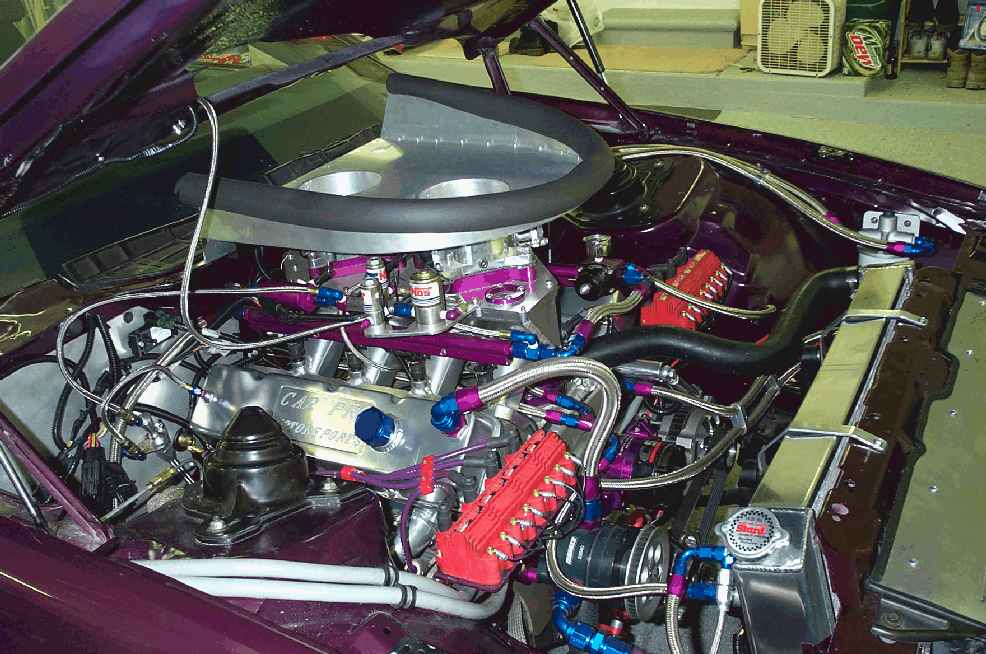

Supreme Member
Confuzed1
Supreme Member
close
Jun 10, 2025
Test...
The file that you have tried to attach is too big. The maximum size is 102500 bytes.
That's the message I get every time since I got my new camera. Do I have to resize or what??
The file that you have tried to attach is too big. The maximum size is 102500 bytes.
That's the message I get every time since I got my new camera. Do I have to resize or what??
Yes, if it's a new camera and you're using a high resolution, that will definitely occur and you will need to resize the picture down in order to be below the current Maximum size of 102500 bytes.

Member
And for the computer challenged people like myself, how would one go about doing that?


Supreme Member
Confuzed1
Supreme Member
close
Jun 10, 2025
Trying again...


Trying again, this time resized from computer.


Junior Member
yet another test...


TGO Supporter
[IMG] [/IMG]test
[/IMG]test